Subscription discount codes
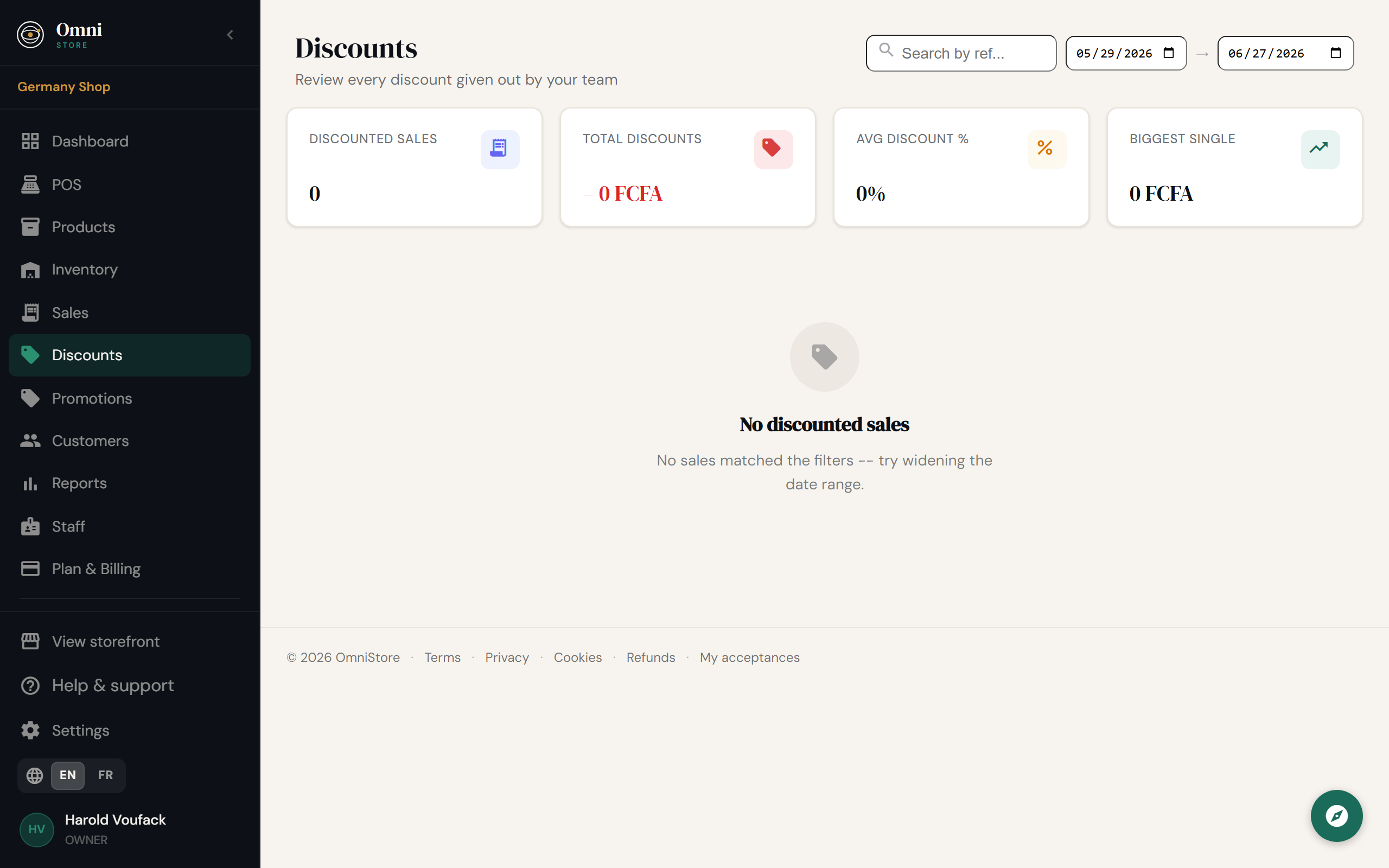
A subscription discount code reduces the price of your own Omni Store plan - for example, a launch offer, a referral reward, or a partner discount. You'll find this under Discounts (or Settings → Billing).
Not the same as customer promotions
This page is about discounts on your Omni Store bill. To discount what your customers buy from you, use Promotions instead.
Redeem a code
- Go to Discounts (or Settings → Billing).
- Enter your discount code.
- Click Apply.
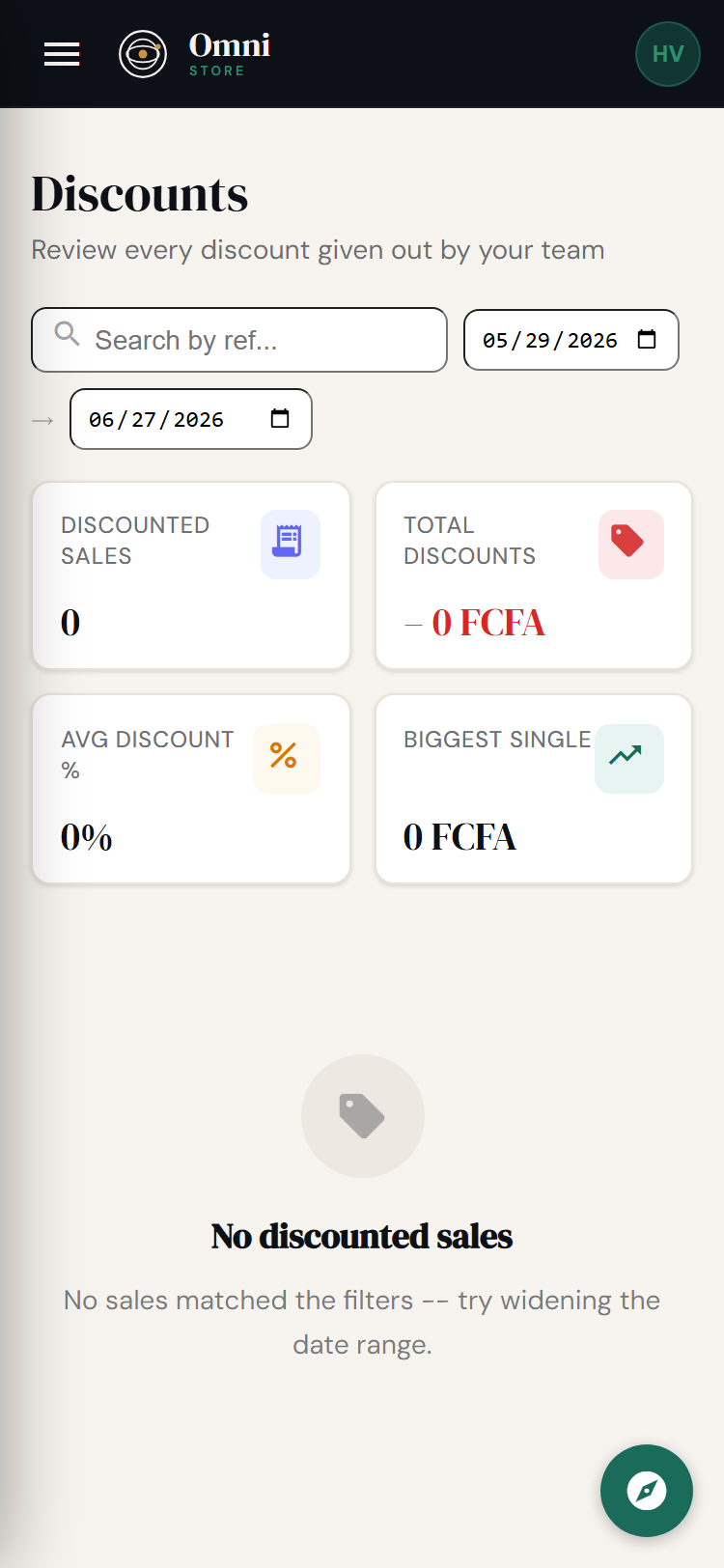
Mobile view
If the code is valid, the discount is applied to your subscription and reflected in your next charge. You'll see the active discount on your billing page.
Types of discount
Depending on the offer, a code might give you:
- a percentage off (e.g. 20% off for three months);
- a fixed amount off;
- a free trial extension or a special introductory rate.
The terms - how much and for how long - are set by the code itself and shown when you redeem it.
Where codes come from
- Launch and seasonal offers from Omni Store.
- Referral or partner programs.
- Switching offers - moving from another platform may qualify you for a discount; you may be asked to upload proof of your previous subscription. See Payments & billing.
Troubleshooting a code
- "Invalid or expired" - check for typos, and that the code is still within its dates.
- "Already used" - most codes can be redeemed once per store.
- Not reflected on your bill - discounts usually apply to the next charge, not retroactively.
For anything that looks wrong on your subscription, see Manage your subscription.