Managing customers
Keeping a customer list helps you give better service and market more effectively. You'll find this under Customers.
Owners, Admins, Managers & Sellers can manage customers.
Add a customer
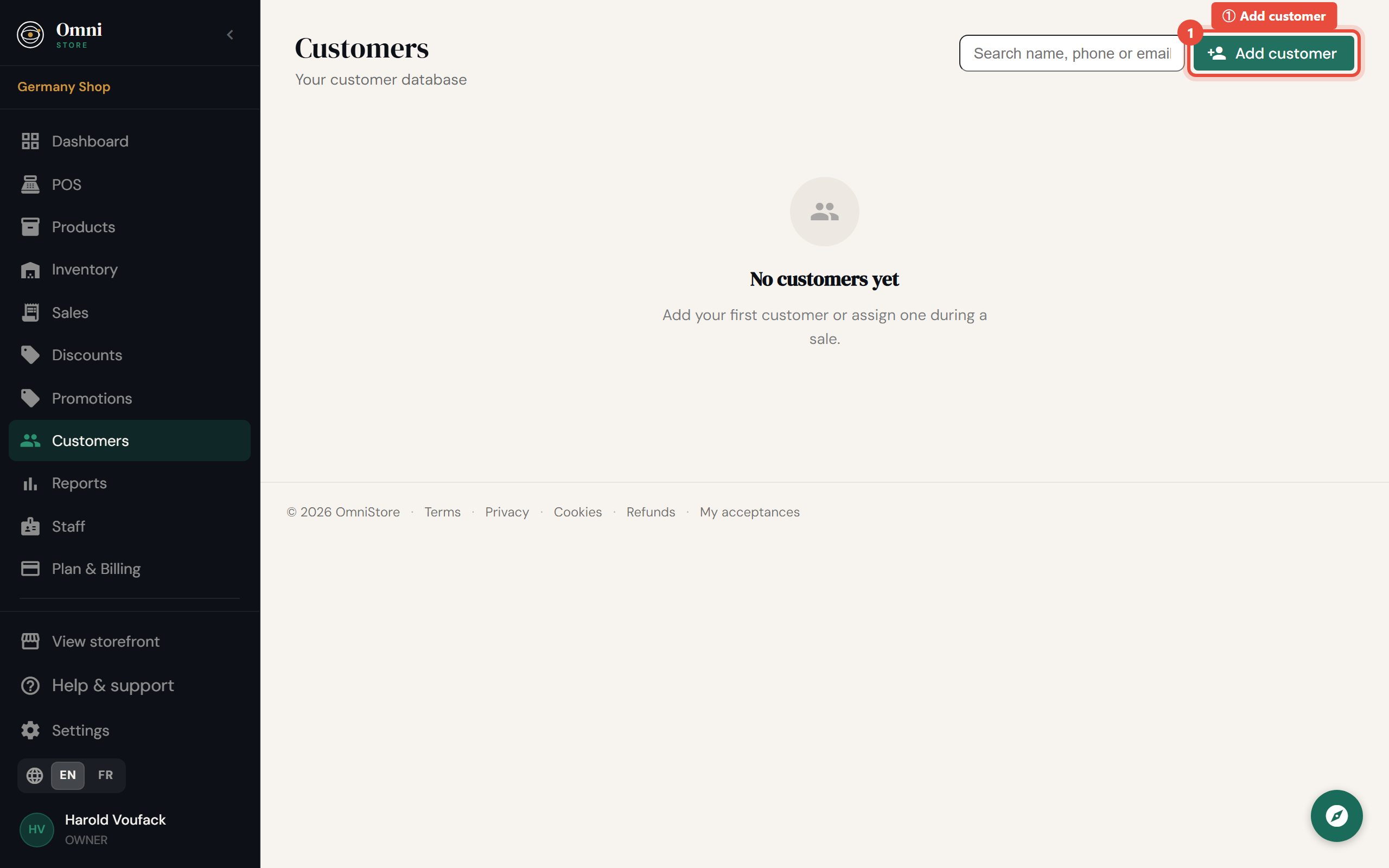
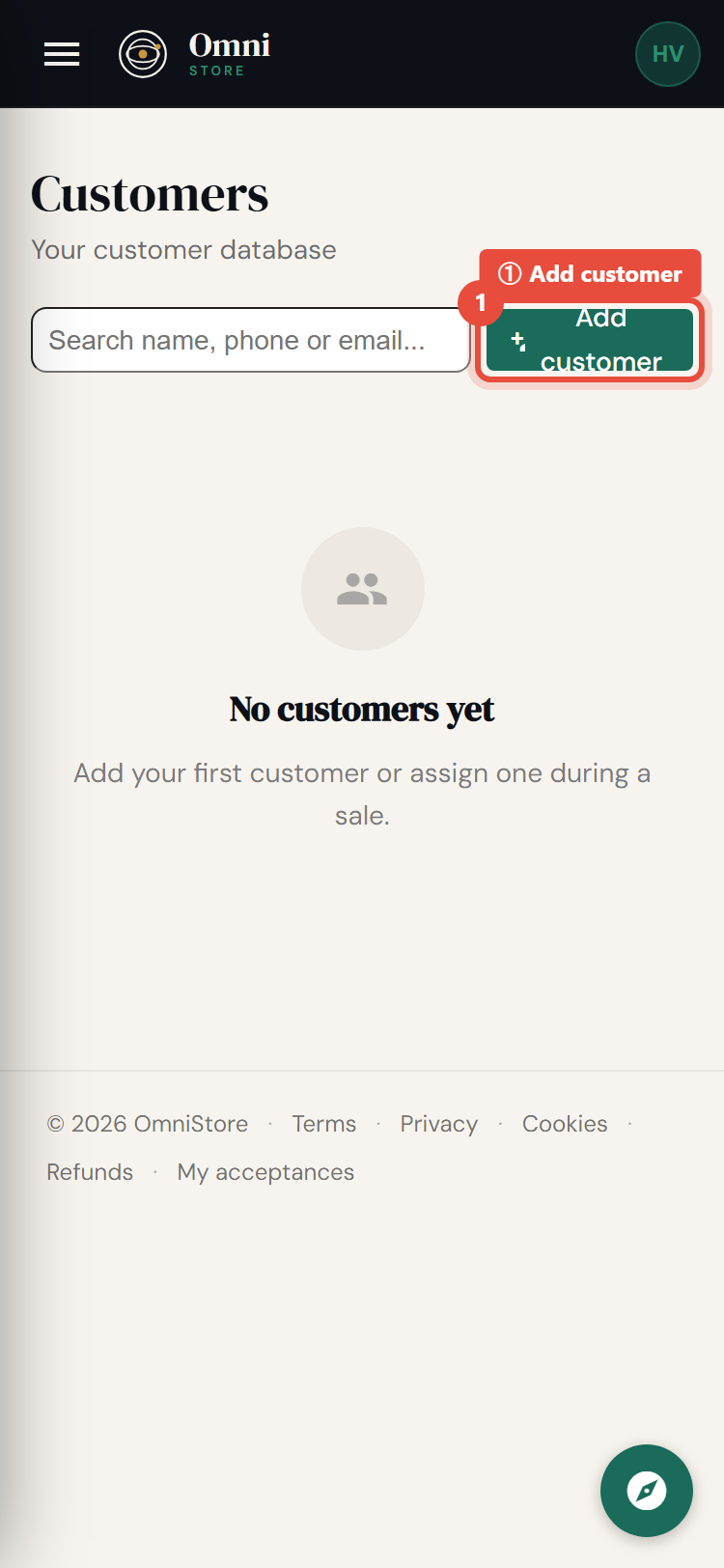
- Go to Customers and select Add customer.
Mobile view
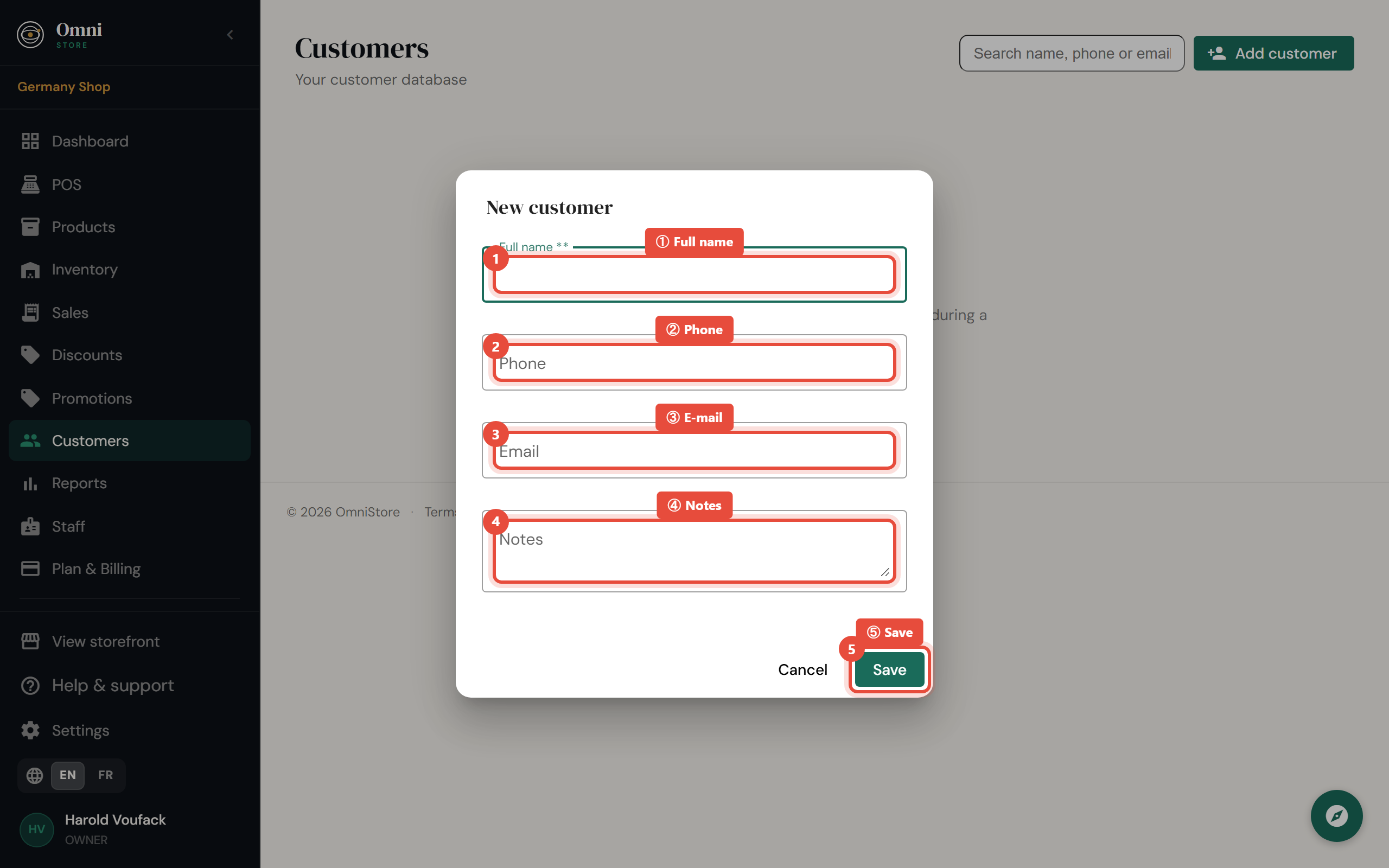
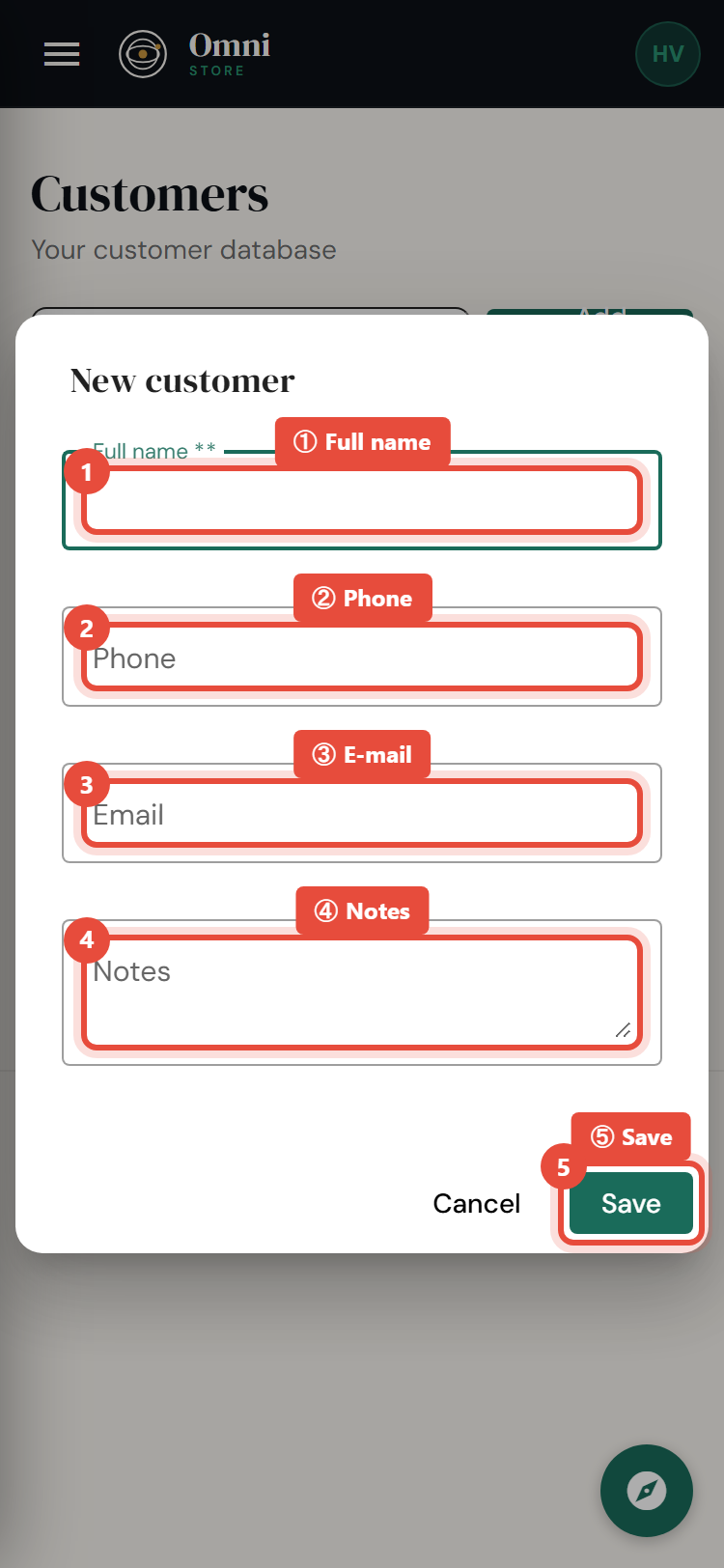
- Enter their name, and contact details like email and phone where you have them.
- Click Save.
Mobile view
You can also add a customer during a sale at the point of sale without leaving the checkout.
Edit or remove a customer
- Edit - open the customer and update their details.
- Delete - removes the customer from your list.
Purchase history
When you attach a customer to a sale, that sale joins their history. Over time you build a picture of:
- what each customer buys and how often;
- their total spend;
- who your best customers are.
This makes it easy to recognise regulars and tailor promotions.
Why attach a customer to a sale?
- Email receipts - send the receipt straight to them (see Receipts).
- History - build the record described above.
- Marketing - reach customers with offers, including SMS marketing if you've added credits.
Handling customer data responsibly
Customer details are personal information. A few good habits:
- Only collect what you need.
- Give each staff member their own login with the right role, rather than sharing accounts.
- Honour requests to be removed by deleting the customer.
Omni Store protects this data in the background - for example, customer details are masked in system logs so they're never exposed there.