A tour of the dashboard
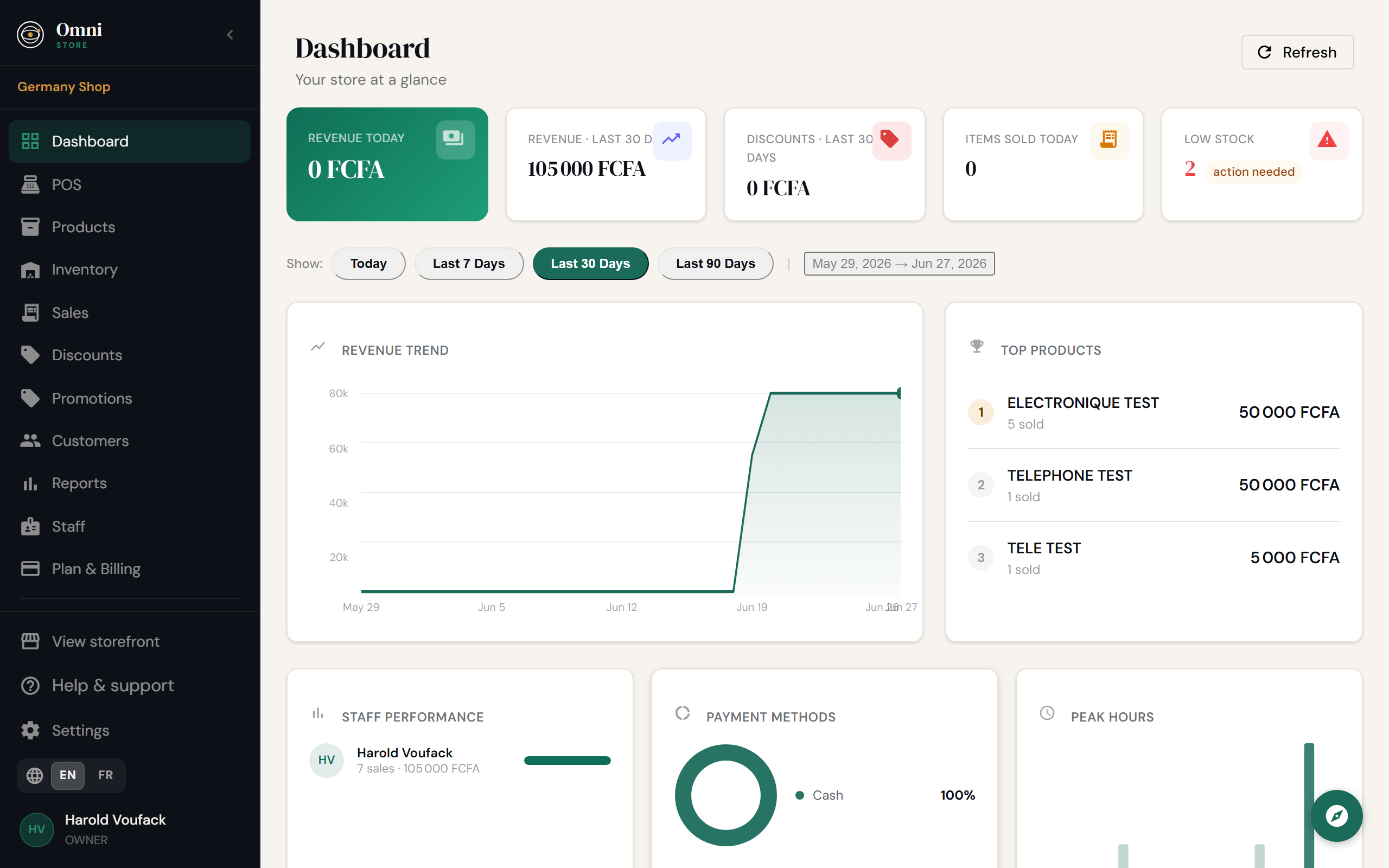
When you sign in, you land on the Dashboard. From the menu you can reach every part of Omni Store. Here's what each item is for - and where to read more.
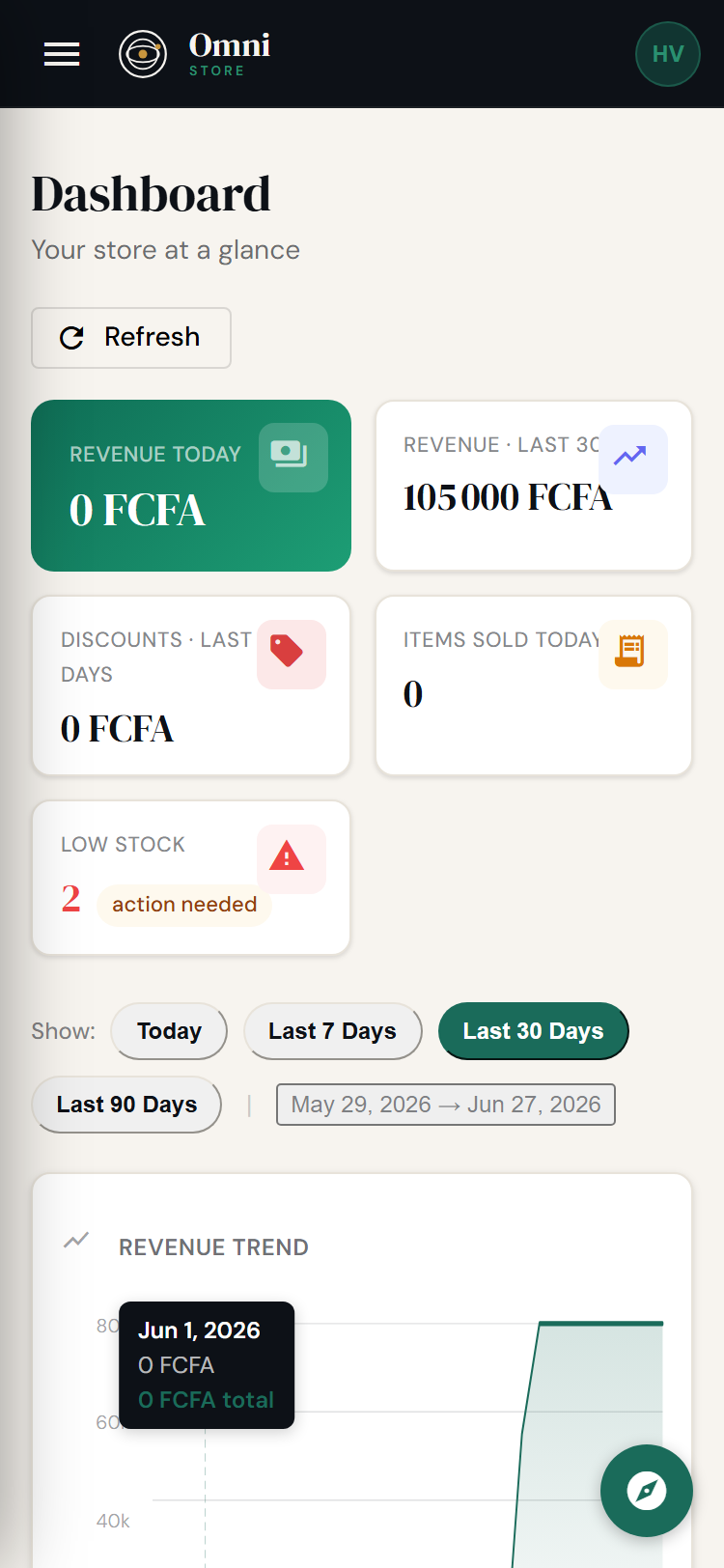
Mobile view
The menu at a glance
| Menu item | What it's for | Learn more |
|---|---|---|
| Dashboard | Your at‑a‑glance summary: today's sales, recent activity, and key numbers. | Reports & dashboard |
| POS | The point of sale - where you ring up sales. | Point of sale |
| Products | Your catalog of items, prices, categories, and tags. | Products |
| Inventory | Stock levels, stock movements, and manual adjustments. | Inventory |
| Sales | A history of every completed sale, with receipts. | Point of sale |
| Customers | Your customer list and their purchase history. | Customers |
| Promotions | Discounts applied at checkout. | Promotions |
| Discounts | Subscription discount codes you redeem on your own plan. | Discount codes |
| Reports | Sales, inventory, and staff reports. | Reports |
| Apps → Profitability | Margins, financial health, and breakdowns by category, staff, promotion, and more. | Profitability tracker |
| Apps → WhatsApp | Send receipts, stock alerts, daily digests, and broadcasts via WhatsApp. | WhatsApp integration |
| Staff | Your team, their roles, and invitations. | Staff & roles |
| Settings | Store profile, billing, storefront, and legal. | Store setup |
What you see depends on your role
If you're not the Owner, some menu items may be hidden or read‑only. For example, a Seller can ring up sales but can't change roles or remove staff. See Staff & roles for the full breakdown.
What you see depends on your plan
Some features - like the online storefront's custom domain, scheduled reports, or the API - only appear once your plan includes them. Where a feature is plan‑gated, this guide says so and links to Plans & pricing.
Now you're oriented. A good first task is to add a few products.