Store profile & branding
Your store profile is the public face of your business - it appears on receipts and your online storefront. You'll find these settings under Settings.
Owners & Admins can edit the store profile.
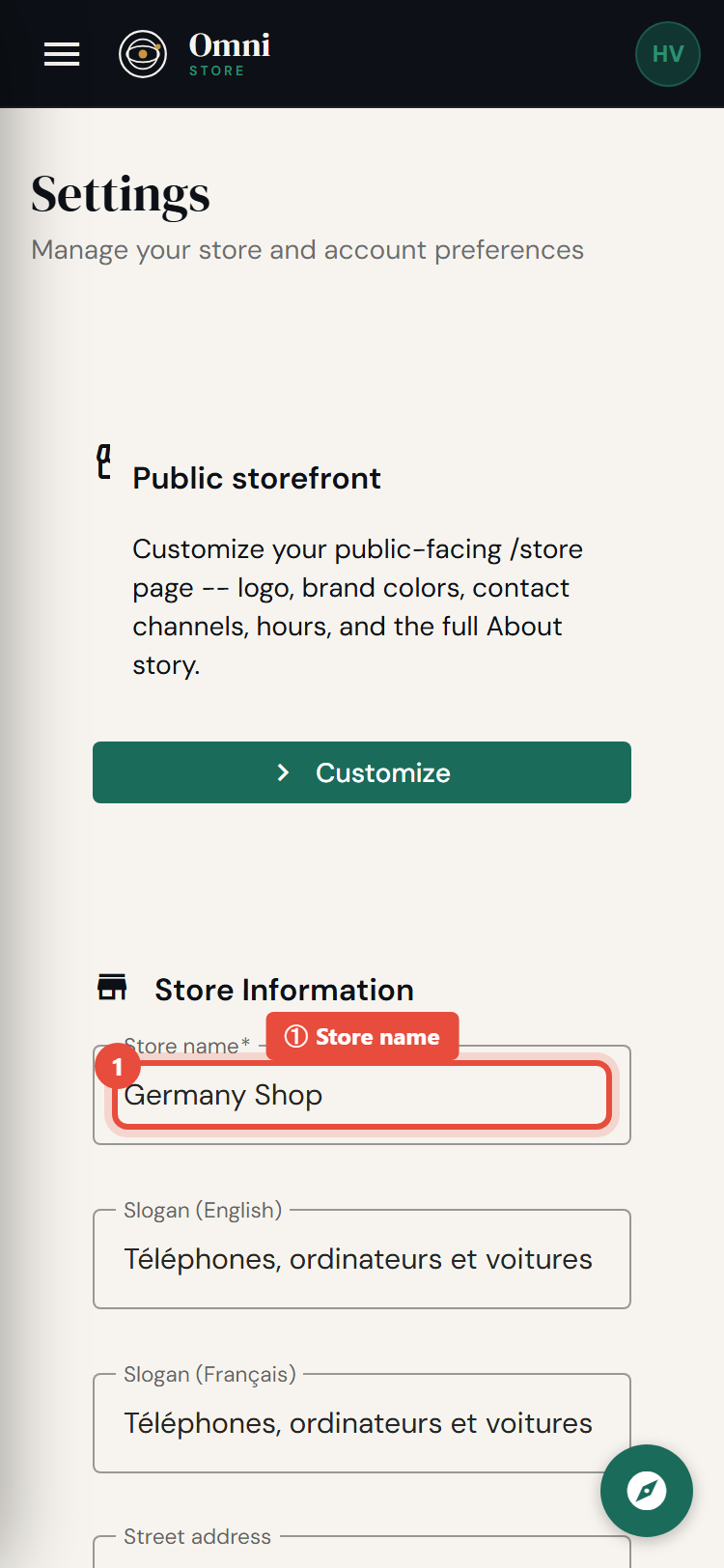
Mobile view
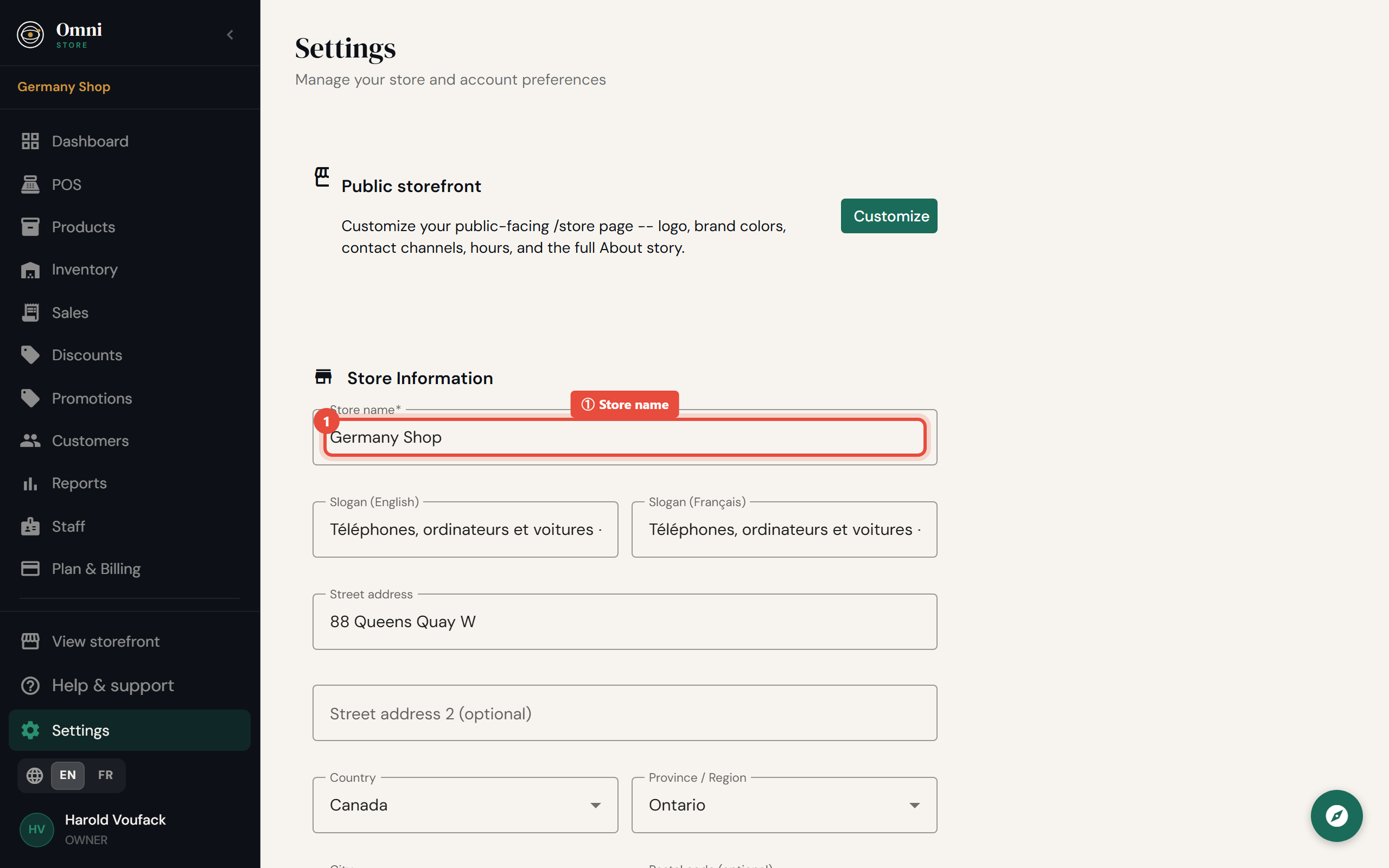
Store name
Your store name is shown on receipts, your storefront, and emails to customers. Keep it to how customers know your shop.
Logo
Upload a logo image. It appears on:
- printed and emailed receipts;
- your online storefront.
For best results use a square image with a clear background. See uploading images for size guidance.
Address
Set your shop's:
- Address line 1 and line 2
- City
- Region
This appears on receipts so customers have your details, and it helps with local context for your storefront.
Your store link (slug)
Your slug is the short name in your storefront web address, for example my-shop in my-shop.useomnistore.com.
- Use lowercase letters, numbers, and hyphens.
- Keep it short and memorable.
- Some words are reserved and can't be used as a slug.
- You can change it later, but any links you've already shared will need updating.
On higher plans you can attach your own domain instead - see Custom domain.
Receipt branding by plan
On the entry plan, receipts carry a small "Powered by Omni Store" line. On higher plans this is removed so your receipts are fully white‑label (your brand only). See Plans & pricing for which plans include white‑label receipts.
Next: Regional settings.